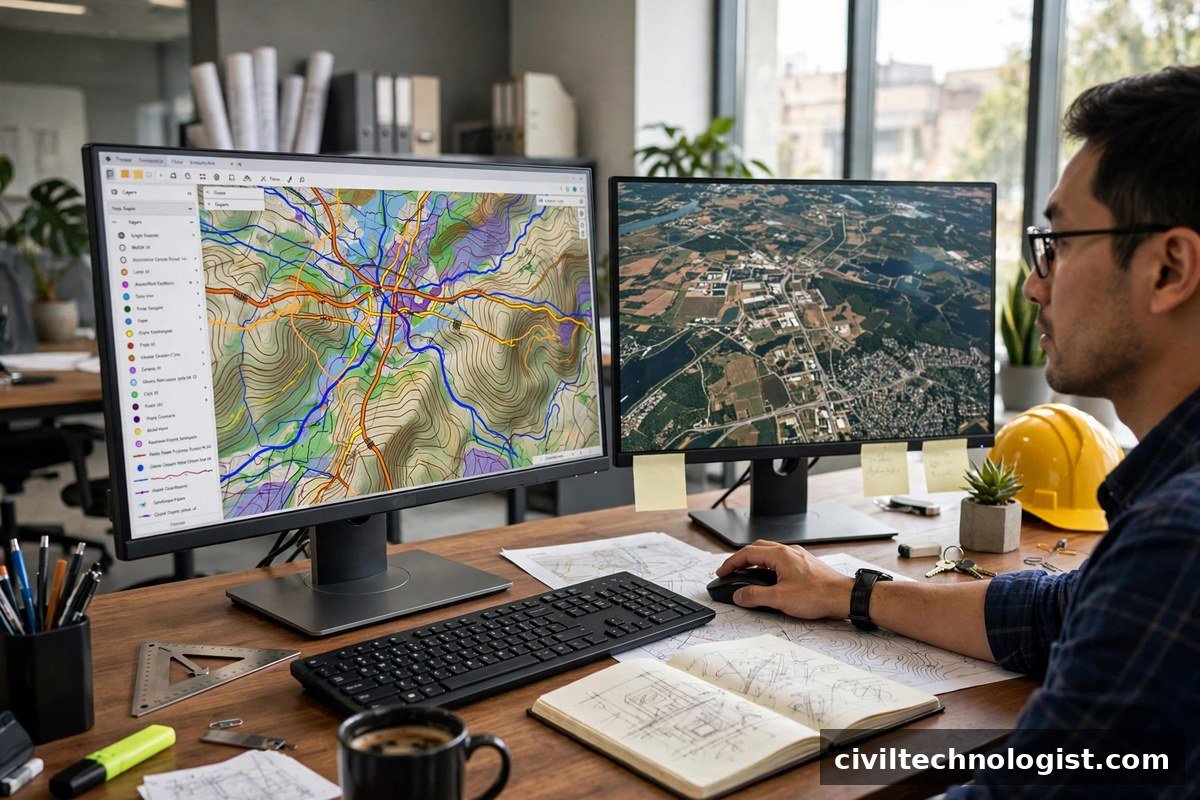
Maps used to be drawings. Today they are databases. A Geographic Information System (GIS) ties every line, point, and polygon to real-world coordinates and to attribute data — soil type, land ownership, pipe diameter, contour elevation. For civil engineers, that combination is what turns a paper alignment into a buildable, defensible design.
This is a curated list of 20 GIS software options relevant to civil engineering as of 2026 — not a ranked leaderboard. Every entry below is presented with an honest one-line description of what it actually is, followed by a licence comparison and the main civil engineering applications where GIS earns its keep.
Free and Open-Source GIS Software
These cost nothing to install and use, which makes them popular with students, small consultants, NGOs, and research teams.
- QGIS — the leading free, open-source desktop GIS with a large plugin ecosystem for analysis, editing, and map production.
- GRASS GIS — a long-established open-source toolkit focused on advanced raster analysis, terrain modelling, and geospatial modelling.
- SAGA GIS (System for Automated Geoscientific Analyses) — an open-source system built around geoscientific analysis, especially terrain and hydrological modelling.
- gvSIG Desktop — a user-friendly open-source desktop GIS with vector and raster tools aimed at general mapping workflows.
- OpenJUMP — a Java-based open-source GIS for vector data editing, analysis, and map visualisation.
- uDig — an open-source desktop GIS and spatial data viewer/editor, often used alongside web mapping stacks.
- MapWindow GIS — a free, programmable desktop GIS popular in academic and research settings.
- WhiteboxTools — an open-source geospatial data analysis platform known for LiDAR and terrain analysis tools.
- GeoServer — an open-source server for sharing and publishing geospatial data over the web using standard protocols.
- MapServer — an open-source platform for building web-based GIS and mapping applications.
Commercial GIS and Mapping Software
Paid platforms generally offer dedicated support, integrated enterprise workflows, and specialised engineering modules.
11. ArcGIS Pro — Esri’s flagship commercial desktop GIS, widely used for enterprise mapping, spatial analysis, and 3D visualisation.
12. Global Mapper (Blue Marble Geographics) — a commercial GIS known for broad format support, terrain processing, and LiDAR tools, popular with surveyors and engineers.
13. AutoCAD Map 3D — Autodesk’s mapping software that combines CAD drafting with GIS data management and analysis.
14. Autodesk Civil 3D GIS tools — GIS import, coordinate system, and data connectivity tools built into Civil 3D for infrastructure design workflows.
15. MapInfo Pro (Precisely) — a commercial desktop GIS focused on data management, mapping, and visualisation for business and infrastructure users.
16. Bentley OpenCities Map (formerly Bentley Map) — Bentley’s geospatial platform aimed at infrastructure and utility asset workflows.
17. TerrSet (formerly IDRISI, Clark Labs) — a commercial raster-based GIS for image processing, land change modelling, and environmental analysis.
18. ENVI — a commercial remote-sensing image analysis platform for processing and interpreting satellite and aerial imagery.
19. ERDAS IMAGINE — a commercial remote-sensing and photogrammetry suite for imagery analysis and terrain extraction.
20. Pix4Dmapper — a commercial photogrammetry tool that converts drone images into point clouds, orthomosaics, and 3D models for construction and survey work.
A note on Google Earth Pro: it is a free, widely used tool for quick visualisation, site reconnaissance, and KML/KMZ work — valuable as a companion viewer, though not a full analytical GIS.
Licence and Cost Comparison
| Software | Licence type (as of 2026) | Typical fit |
|---|---|---|
| QGIS | Free, open-source | General GIS for any budget |
| GRASS GIS | Free, open-source | Terrain and raster analysis |
| SAGA GIS | Free, open-source | Geoscientific modelling |
| gvSIG | Free, open-source | Desktop mapping |
| OpenJUMP | Free, open-source | Vector editing and analysis |
| uDig | Free, open-source | Data viewing and editing |
| MapWindow GIS | Free, open-source | Academic and research use |
| WhiteboxTools | Free, open-source | LiDAR and terrain tools |
| GeoServer | Free, open-source | Web map publishing |
| MapServer | Free, open-source | Web mapping applications |
| ArcGIS Pro | Paid (commercial) | Enterprise GIS and 3D analysis |
| Global Mapper | Paid (commercial) | Survey and terrain workflows |
| AutoCAD Map 3D | Paid (commercial) | CAD–GIS integration |
| Autodesk Civil 3D | Paid (commercial) | Infrastructure design |
| MapInfo Pro | Paid (commercial) | Business and asset mapping |
| Bentley OpenCities Map | Paid (commercial) | Infrastructure and utilities |
| TerrSet | Paid (commercial) | Raster and land-change analysis |
| ENVI | Paid (commercial) | Remote-sensing analysis |
| ERDAS IMAGINE | Paid (commercial) | Imagery and photogrammetry |
| Pix4Dmapper | Paid (commercial) | Drone-based construction mapping |
“Free” means no licence fee; large projects may still spend on training, hardware, and data.
GIS Applications in Civil Engineering
Software is only half the story. These are the civil engineering applications where GIS is genuinely useful, as of 2026:
Route Alignment and Highway Design
GIS overlays topography, land use, ownership, and environmental constraints so engineers can compare multiple road or rail alignments before committing to detailed design. Least-cost-path analysis can quantify earthwork implications of each option.
Watershed and Drainage Analysis
Digital elevation models in GIS let engineers delineate watersheds, trace flow paths, and estimate catchment areas feeding a culvert or drain. This is the starting point for hydrological calculations behind drainage design.
Land-Use Mapping
Classifying satellite imagery into built-up, agricultural, forest, and water classes gives planners a current picture of how land is used — essential for master planning and for estimating runoff coefficients in stormwater design.
Utility Network Mapping
Water, sewer, gas, and power networks are mapped as connected GIS features with attributes like pipe diameter, material, and installation date. Network analysis then supports leak isolation planning, capacity checks, and maintenance scheduling.
Site Selection
For dams, landfills, treatment plants, or new settlements, GIS combines slope, geology, flood risk, access, and land cost layers in a weighted suitability model. The result is a shortlist of defensible sites instead of a gut feeling.
Construction Monitoring with Drones
Drone imagery processed through photogrammetry tools (such as Pix4Dmapper) produces orthomosaics and 3D models that are overlaid on design drawings in GIS. Progress, stockpile volumes, and earthwork quantities can be checked without walking the whole site.
Choosing the Right GIS Software
A few practical rules I would follow:
- Start with the data, not the software. If your client or authority works in a specific format or coordinate system, pick the tool that handles it natively.
- Match the licence to the budget. QGIS covers most desktop GIS needs at zero cost; pay for commercial tools when you need their support, enterprise integration, or specialised modules.
- CAD-heavy offices usually do best with AutoCAD Map 3D or Civil 3D’s GIS tools, because the design data already lives in CAD.
- Imagery and drone work call for remote-sensing tools — ENVI, ERDAS IMAGINE, or a photogrammetry package like Pix4Dmapper — alongside a desktop GIS.
Frequently Asked Questions
Which GIS software is best for civil engineering students?
QGIS. It is free, well documented, runs on all major operating systems, and the skills transfer directly to commercial tools.
Is Google Earth Pro a GIS?
Not a full one. It is excellent for free visualisation, rough measurements, and site reconnaissance, but serious spatial analysis needs a proper GIS such as QGIS or ArcGIS Pro.
Do I need paid GIS software for professional work?
Not necessarily. Many consultants deliver professional work entirely on open-source stacks. Paid tools earn their cost on large enterprise projects with strict support and integration requirements.
Can GIS replace CAD in civil engineering design?
No. GIS manages spatial data and analysis; CAD and BIM tools handle detailed geometric design. They complement each other — the strongest workflows connect both.
Final Thoughts
GIS has moved from a specialist’s tool to everyday infrastructure for civil engineering. Whether you start with free QGIS or a commercial suite, the important step is the same: get your project data georeferenced, organised, and analysable. The software on this list, as of 2026, gives you twenty honest ways to do exactly that.
Written by Mohsin Raza Adil — BSc Civil Engineering Technologist (NTC-registered), Pakistan.

Mohsin Raza Adil
BSc Civil Engineering Technologist (NTC-registered), Pakistan. I write practical, field-tested guides on construction materials, soil testing and site engineering — the way it is actually done on site.